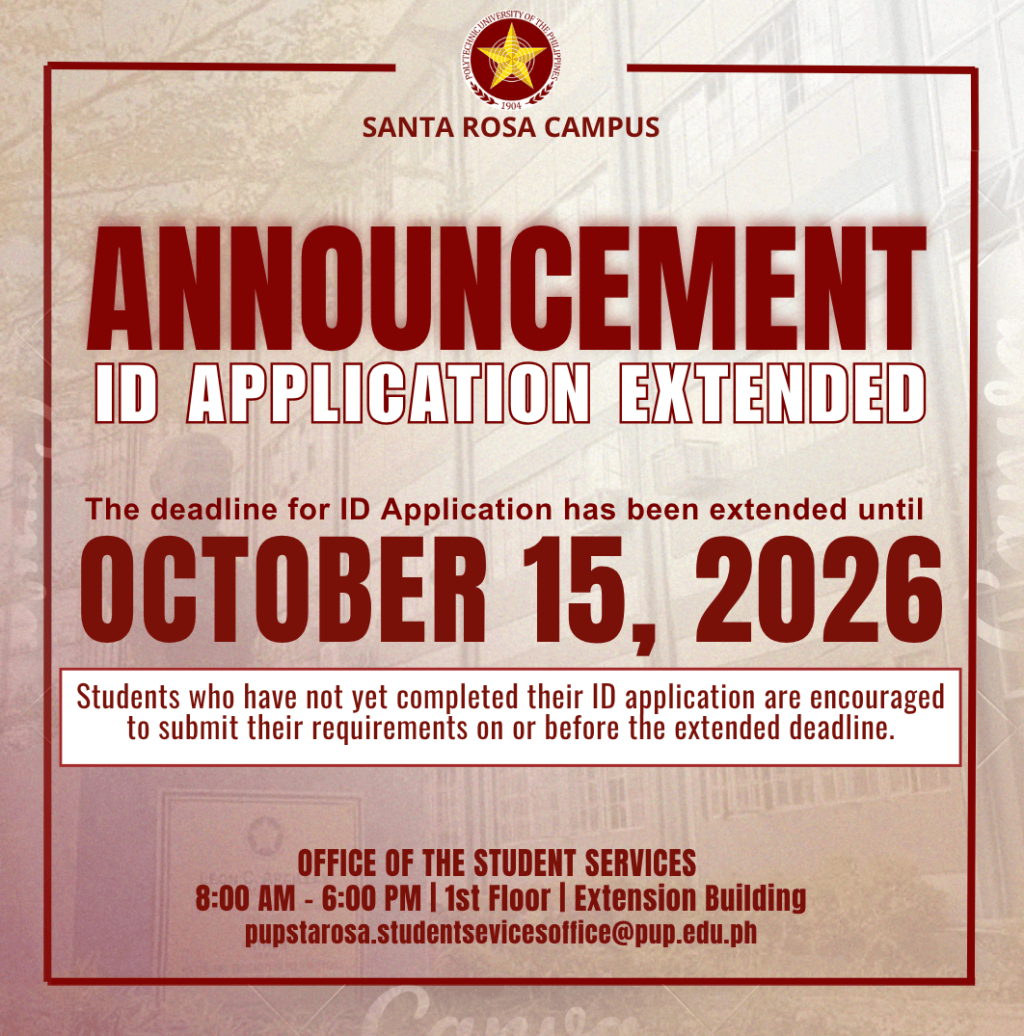
ID Card Application
NEW ID | 1ST APPLICATION OF ID
- STEP 1 – Download your Certificate of Registration (CoR) here
- STEP 2 – Download and fill out the ID Application Form here
- STEP 3 – Submit the printed requirements for validation/signing (ID Application Form & CoR) of documents to the Student Services office. To set an appointment, click here
- STEP 4 – Upload ID Application Form via the Google Form. Continue
- STEP 5 – Check Your ID Application Status here.
For inquiries send an email to registrar.starosa@pup.edu.ph